
Hide those icons
Posted in link
Many thanks to Steve Troughton-Smith for sharing that defaults write command to hide that avalanche of icons-in-menu in macOS 26 Tahoe.
defaults write -g NSMenuEnableActionImages -bool NO
Run the command in your terminal, logout and log back in to enjoy -- with a sigh of relief.
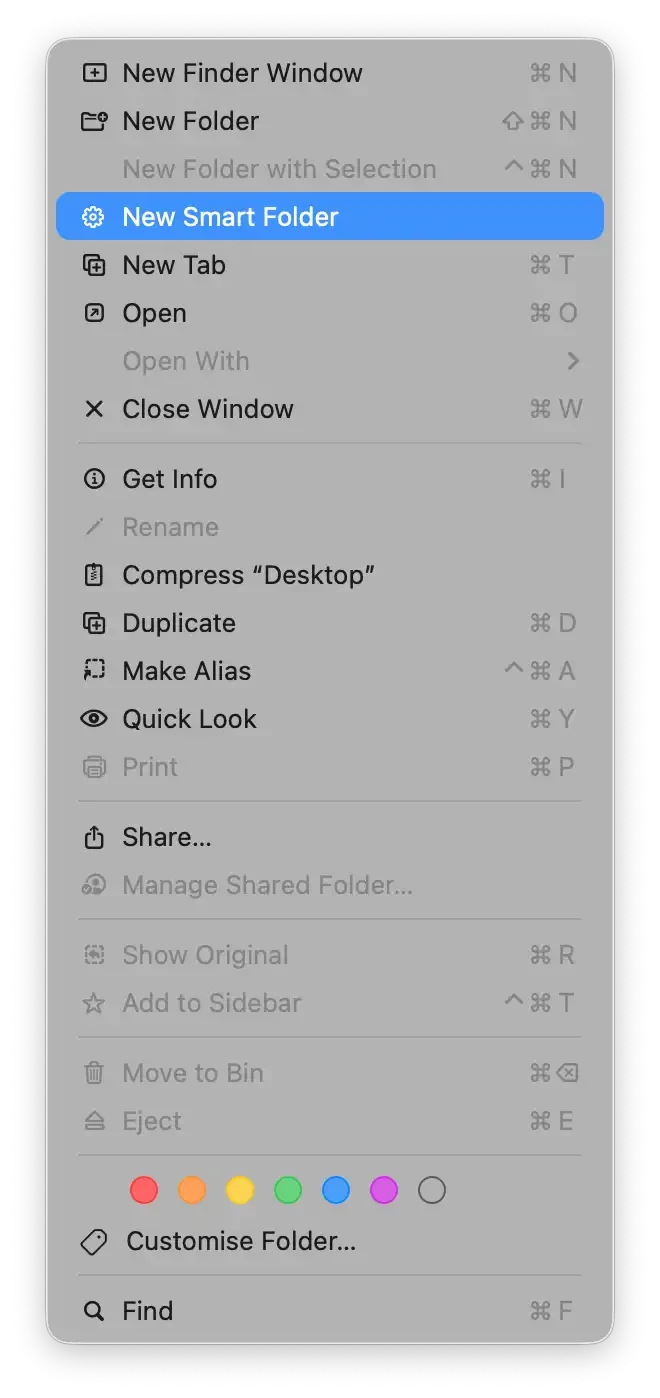
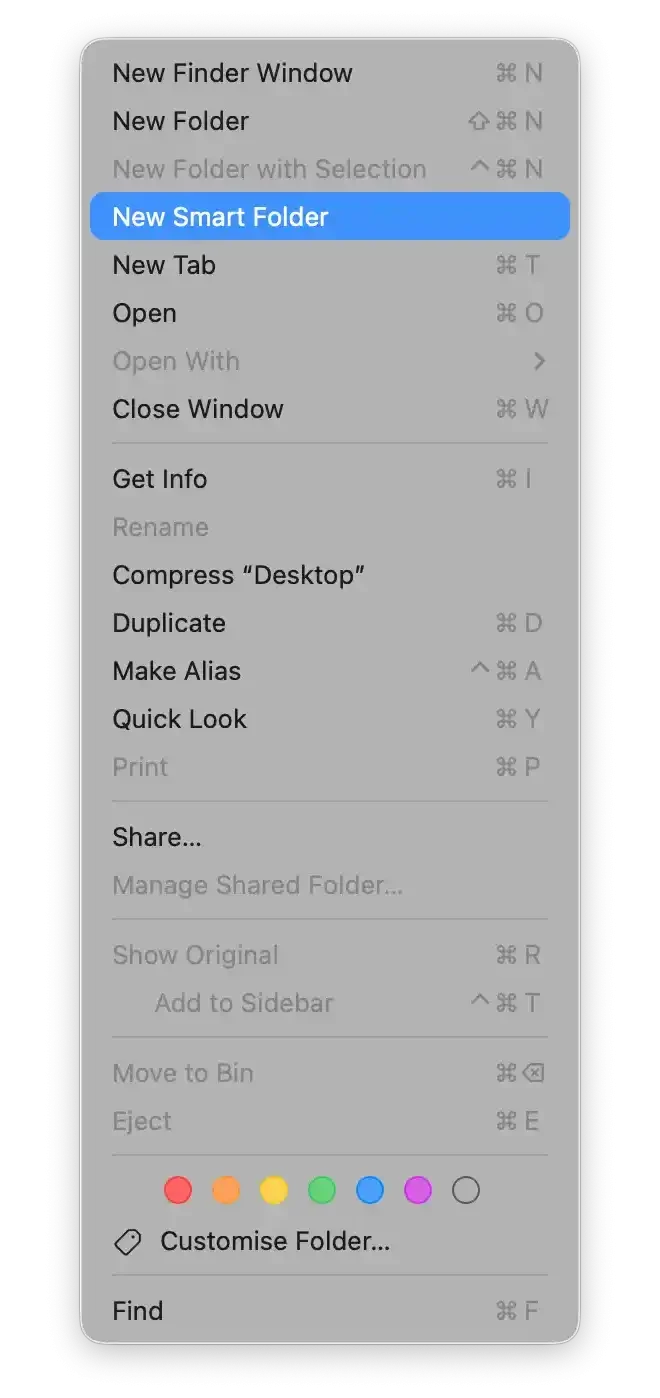
Source: Stephen Hackett on MacBreak Weekly #1017 and 512pixels.